
9. Print Site Web App
Table of Contents

Note
Print Site Web App is a Feature Preview that is partly operational and impermanent. The preview is offered to provoke feedback based on real world use. Please tell us your experience.
A Print Site is a location where printers are set up for self-service.
In the typical use case, SavaPage Print Portal is set up as public Internet service, where authorized users choose a printer to print the documents that were collected with Internet Print, Web Print or Mail Print. To enforce Secure Printing, print jobs are held and must be released by the user after authentication at the very printer.
The Print Site Web App is meant for users with role Print Site Operator to support users with self-service printing scenario’s.
The Web App can be reached with URL path https://savapage:8632/printsite.
See URL Cheat Sheet.
9.1. Login
The Print Site Login screen is a variant of the User Login screen, with the following exception:
The internal
adminuser and Persons with role Print Site Operator are allowed to log in. See User Roles how to assign admin rights to users.
After a successful login the menu is shown.
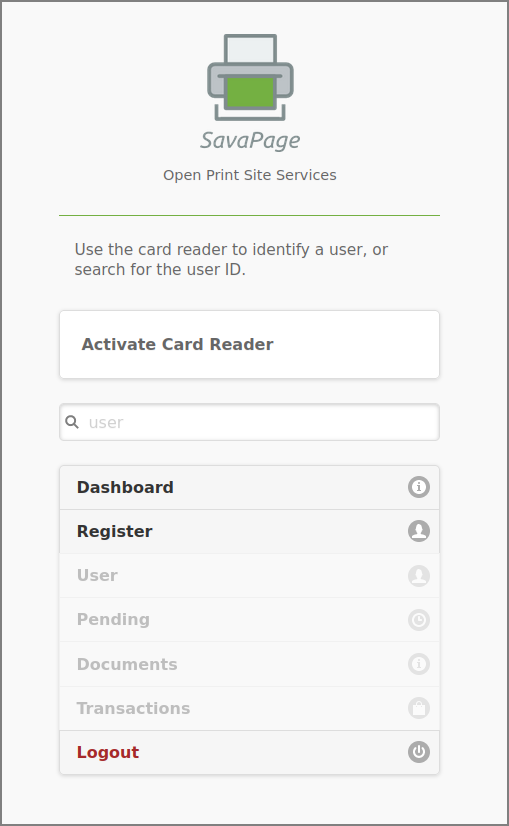
Print Site Web App: Menu