10.3. PDF/PGP Verification Web App
The PDF/PGP Verification Web App can be configured with the following properties:
Configuration property |
Description |
|---|---|
webapp.pdfpgp.enable |
Set to
Y or N (default), to enable/disablethe PDF/PGP Verification Web App.
|
webapp.pdfpgp.max-upload-file-mb |
The maximum MB size of the PDF that can
be uploaded for verification. Default: 10
|
See Config Editor on how to enter these properties.
The Web App invites to choose a PDF for verification. Multiple files can be selected for upload.
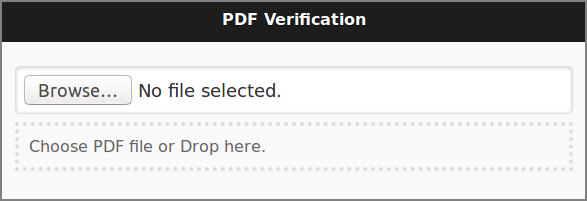
PDF/PGP Verification - Upload
And shows success or failure when done.
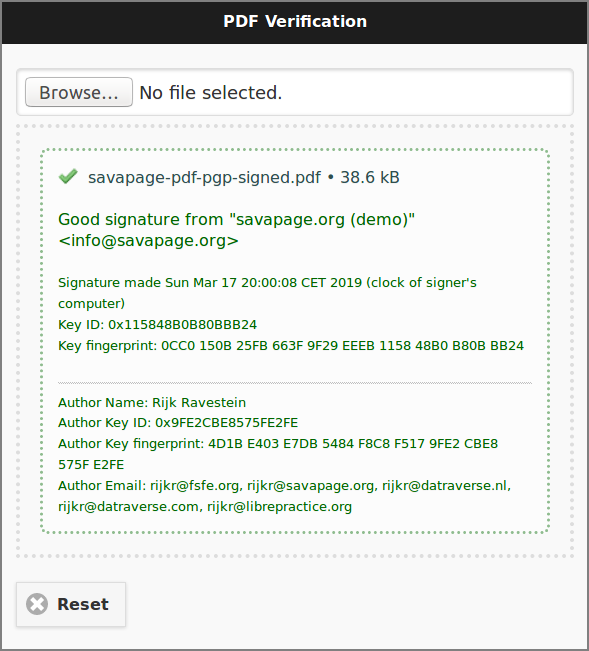
PDF/PGP Verification - Good signature
Note
When the OpenPGP Public Key file author.asc is found as PDF
attachment, its data is displayed as Author identification. See
PDF/PGP Signature.
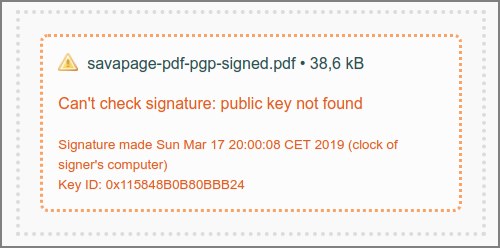
PDF/PGP Verification - Public key not found
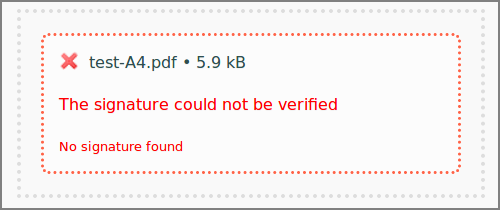
PDF/PGP Verification - Signature not found